
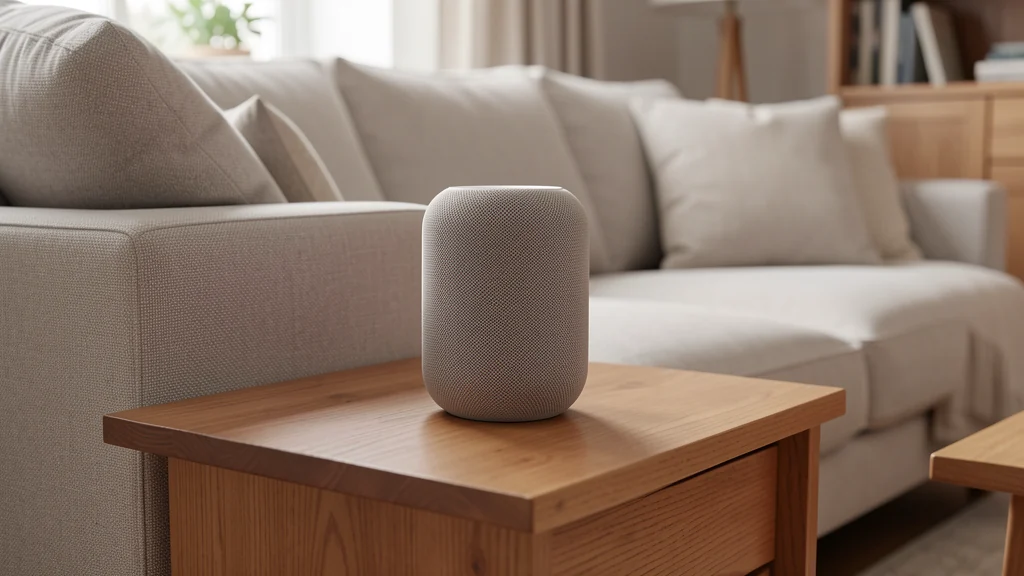
Smart speaker privacy begins with a realistic description of the device: it is a networked microphone, speaker, account endpoint, and sometimes a controller for other home technology. Convenience does not require giving every person identical access or leaving every optional feature enabled. A household can use timers, audio, reminders, and selected controls while limiting what the system collects, stores, shares, and permits.
The right setup depends on who lives in the home, who visits, which accounts connect, and where private conversations happen. Before placing a speaker, review its current privacy settings and manufacturer documentation rather than relying on the settings someone remembers from an earlier software version. Explain the device in plain language to household members, including children, guests, caregivers, and anyone whose consent or access needs differ.
Decide what the speaker is for
Write down three or four desired functions before setup. The list might include kitchen timers, music in a common room, weather, and turning off one lamp. This small scope makes permissions easier to evaluate. If nobody needs voice purchasing, personal message reading, contact access, location history, or individualized profiles, those features do not need to be active merely because they exist.
Separate household features from personal features. A timer is usually low in personal detail. Reading a calendar, sending a message, announcing a delivery, or controlling a door-related device can expose more information or create a more consequential action. For each connected service, ask what data moves between companies, which account authorizes it, what another person can trigger by voice, and how access is revoked.
The Federal Trade Commission’s guidance on how to secure a voice assistant and protect privacy recommends checking settings, deleting recordings you do not want retained, and understanding whether people review audio. Use that review as a starting point, then follow the current controls and documentation for your specific service. Menu names and data policies can change.
Map the people and spaces involved
A speaker in a kitchen is exposed to different conversations from one in a bedroom, home office, therapy space, or guest room. Favor shared spaces where its presence is obvious. Avoid placing always-available microphones where confidential work, health discussions, private calls, or changing and sleeping normally occur unless the affected people knowingly choose that arrangement and have an easy way to disable it.
Consider sound travel, not only the tabletop. A device near an open window, shared wall, hallway, or neighboring unit may hear or broadcast more than expected. Announcements, reminders, and responses can reveal names, appointments, addresses, shopping details, or routines to people nearby. Lower volume, move the speaker, or disable personalized announcements when location makes them too public.
Guests should not have to discover the device by accident. A simple statement such as “there is a voice assistant in the living room; the microphone control is here” is clearer than a long policy. If a guest needs privacy, disable the microphone or use another room. Do not assume an indicator light is meaningful to someone unfamiliar with that model.
Secure the account before adding skills
The owner account is often the real control center. Give it a unique password that is not reused on email, shopping, or other services. Turn on multifactor authentication when the provider offers it, and secure the recovery email and phone as well. Do not share the owner credential as the everyday way for household members to use the speaker. Use supported household profiles or restricted access instead.
Install updates through the supported process and confirm the device is still receiving security maintenance. Remove a speaker that can no longer receive required updates from sensitive roles, especially control of locks, cameras, purchases, messages, or personal information. Update the companion phone, account app, home router, and linked-device software too; the speaker is only one part of the path.
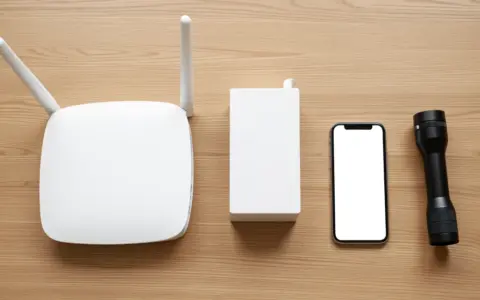
When practical, place smart-home equipment on a separate guest or device network that does not expose personal computers and storage. Network separation is an additional boundary, not a substitute for secure accounts and updates. Follow the router documentation, because “guest network” behavior varies and some configurations prevent controls from working. If the setup is unclear, keep the system simple rather than weakening security across the home.
Review collection and retention settings
Voice assistants typically listen locally for a wake cue and then process a request, but exact behavior varies. Accidental activations happen when audio resembles the cue, and devices may retain transcripts, audio, diagnostics, or interaction history according to their settings and policies. Review what is saved, for how long, who can review it, and whether deletion can be automatic.
Open the activity history after the first week. Look for unexpected activations and confirm that deletion controls work as you understand them. A household may choose shorter retention, manual deletion, or no saved voice history where available. Understand the tradeoff rather than accepting a default: some personalization or troubleshooting features may change when history is reduced.
Disable the use of recordings for human review or service improvement if that does not match the household’s choice and the control exists. Also inspect location, contacts, calendar, microphone, Bluetooth, shopping, and communication permissions in the companion app. Permissions can reappear through newly linked services or profile changes, so the review should recur.
| Feature | Privacy question | Lower-data starting point |
|---|---|---|
| Voice history | Are audio or transcripts retained, and for how long? | Choose the shortest useful retention and test deletion controls. |
| Personal results | Can another voice hear calendars, messages, or reminders? | Keep personal responses off in shared spaces unless access controls are adequate. |
| Linked services | What information and control pass to a third party? | Connect only a specific service needed for a chosen routine. |
| Purchases | Can a guest or child place an order? | Disable voice purchasing or require a supported confirmation method. |
| Home controls | Could a voice command affect security or privacy? | Keep high-consequence actions out of casual voice access. |
Connect services one at a time
Third-party skills, actions, and integrations can extend a speaker’s data exposure. Read the requested permissions and privacy notice before enabling one. If a recipe service needs a location, decide whether a general area is enough. If a game asks for a profile, consider whether it needs a real name. Do not connect an account simply because the setup screen makes it the next button.
Test each integration from different household roles. Can a child trigger a purchase? Can a visitor hear a private calendar entry? Can an announcement expose an alarm state? Voice recognition can help personalize responses, but it should not be treated as guaranteed identity verification. For consequential controls, use stronger confirmation or keep the action in the dedicated app or physical control as the manufacturer recommends.
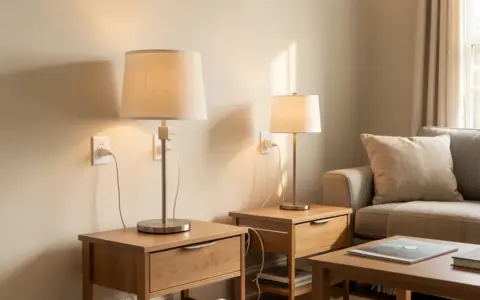
Smart speakers can complement a room-by-room lighting plan by controlling selected lamps, but every light does not need voice access. Preserve wall switches and ordinary control paths that work during account, network, or speaker failures. Visitors, children, and household members with speech, hearing, language, or mobility differences should not be forced to use one interface.
Create visible household controls
Learn the physical microphone control and what its indicator actually means. Test it rather than assuming. A hardware mute can provide an understandable boundary during private conversations, though exact implementation differs by device. If the control is hard to reach or see, placement is wrong for a shared privacy tool.
Set a few rules that can survive busy days: mute during confidential calls, do not use another person’s profile, ask before linking a new service, and review activity after an unexpected response. Avoid complicated rules that only the account owner understands. Privacy improves when anyone can recognize and stop the device’s active role. Put recurring responsibilities in a shared household chore system rather than using the speaker’s announcement history as a record of who did what.
For children, use age-appropriate settings and direct supervision rather than assuming a “kids” label eliminates collection or inappropriate responses. Discuss what should not be spoken to the device, including full names, addresses, passwords, private school details, and information about other people. Review parental controls and linked content regularly as the child’s use changes.
Plan for visitors, work, and sensitive moments
Remote work can bring employer, client, student, patient, or customer information into the home. Follow the relevant organization’s policies; a consumer privacy setting cannot authorize a microphone in a restricted workspace. Move or disable the speaker before confidential meetings when required. Headphones alone do not prevent a nearby microphone from receiving your side of a conversation.
Caregiving and accessibility uses deserve individual planning. Voice control may offer meaningful independence, but a blanket recommendation can overlook speech recognition limits, privacy during care, account dependence, and failure modes. Keep manual alternatives available and involve the user in decisions about placement, history, profiles, and what happens when the service is unavailable.
Run a quarterly privacy reset
Every few months, review account sign-ins, household members, voice profiles, recordings, permissions, linked services, devices, routines, purchases, and notification settings. Remove people and services that no longer need access. Confirm that MFA and recovery information still belong to the correct account owner. Check for new privacy choices introduced since the last review.
Also walk through the house. A speaker may have migrated from a family room to a bedroom, or furniture may now hide its microphone control. A new roommate, caregiver, child, or work routine can change what is appropriate even if software settings stay the same. Privacy is a household process, not a one-time screen.
Review disposal and transfer before a device leaves the home. Remove linked services, voice profiles, household membership, Bluetooth pairings, and local network access using the manufacturer’s documented reset or transfer process. Confirm in the account portal that the old device no longer appears. Simply unplugging it or deleting the companion app may leave cloud records and permissions intact. Handle retained activity separately according to the provider’s deletion controls and the household’s choices.
Common smart-speaker privacy mistakes
- Accepting every default: convenience-oriented setup screens may enable more history or personalization than the household needs.
- Placing speakers everywhere: more coverage also means more microphones and more complex consent boundaries.
- Using voice recognition as authentication: recognition may personalize service but should not be assumed to prove identity for high-consequence actions.
- Forgetting linked services: deleting activity in one account may not delete information held by another service.
- Hiding the microphone control: a privacy boundary is weak when household members cannot reach or understand it.
Frequently asked questions
Is a smart speaker always recording?
Behavior varies by device and settings. Many listen for a wake cue and process audio after activation, but accidental activations and retained interaction data can occur. Review the manufacturer’s current explanation, activity history, and retention controls for the exact device.
Does muting the microphone solve every privacy issue?
No. It can create a useful boundary for new voice input, but account history, linked-service data, app permissions, and previously stored interactions still need review. Confirm how the physical control works on your model.
Should smart speakers control locks or security devices?
Only after a careful review of supported authentication, household access, failure modes, and manufacturer guidance. Many households may reasonably keep high-consequence security actions out of casual voice control while using speakers for lower-risk tasks.
How often should I delete voice history?
There is no universal interval. Choose retention that matches the household’s need, use automatic deletion if suitable, and verify periodically that the setting and actual history still match your choice.
Final takeaway
Using a smart speaker privately is less about finding one perfect toggle than limiting the system’s role. Put it in an appropriate shared space, secure the account, minimize permissions and retention, connect services deliberately, and preserve nonvoice alternatives. Revisit the arrangement when software, household members, or routines change, and use the manufacturer’s current documentation for controls that vary by device.